What the image decides
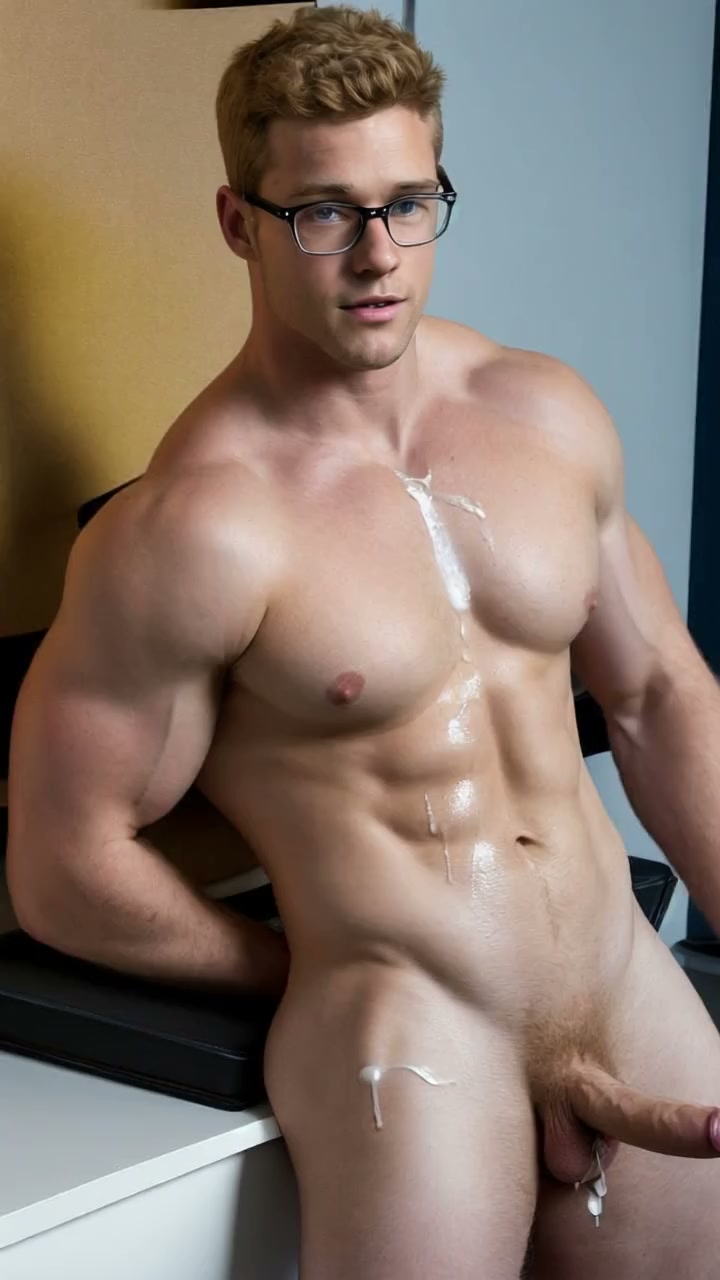
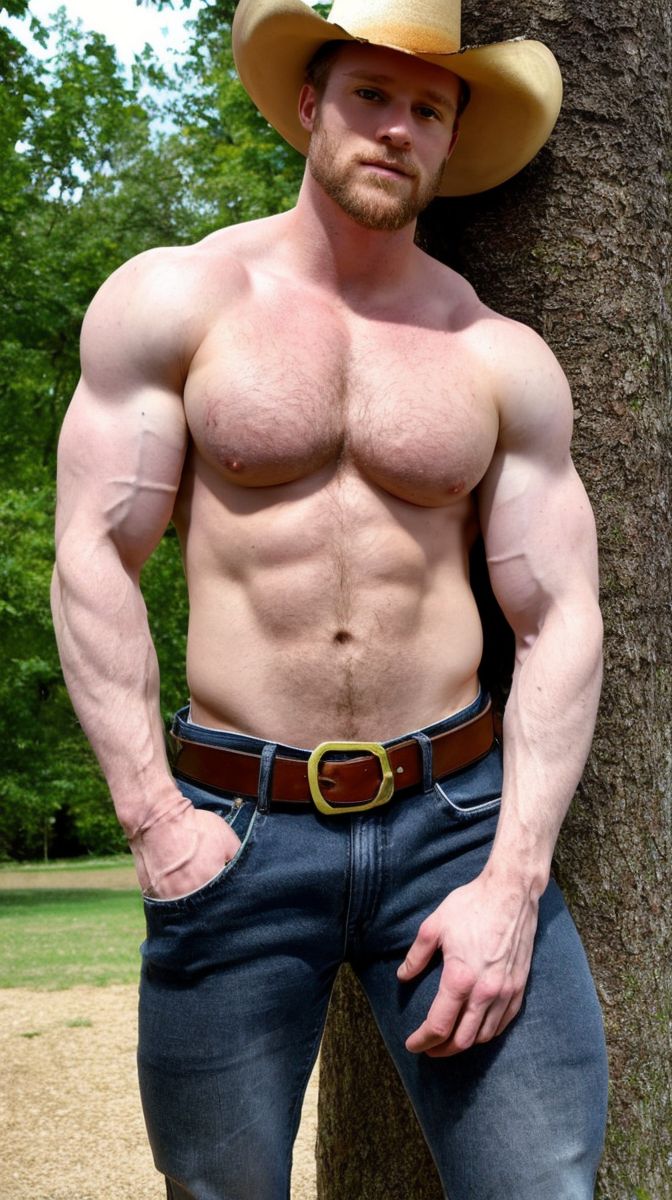
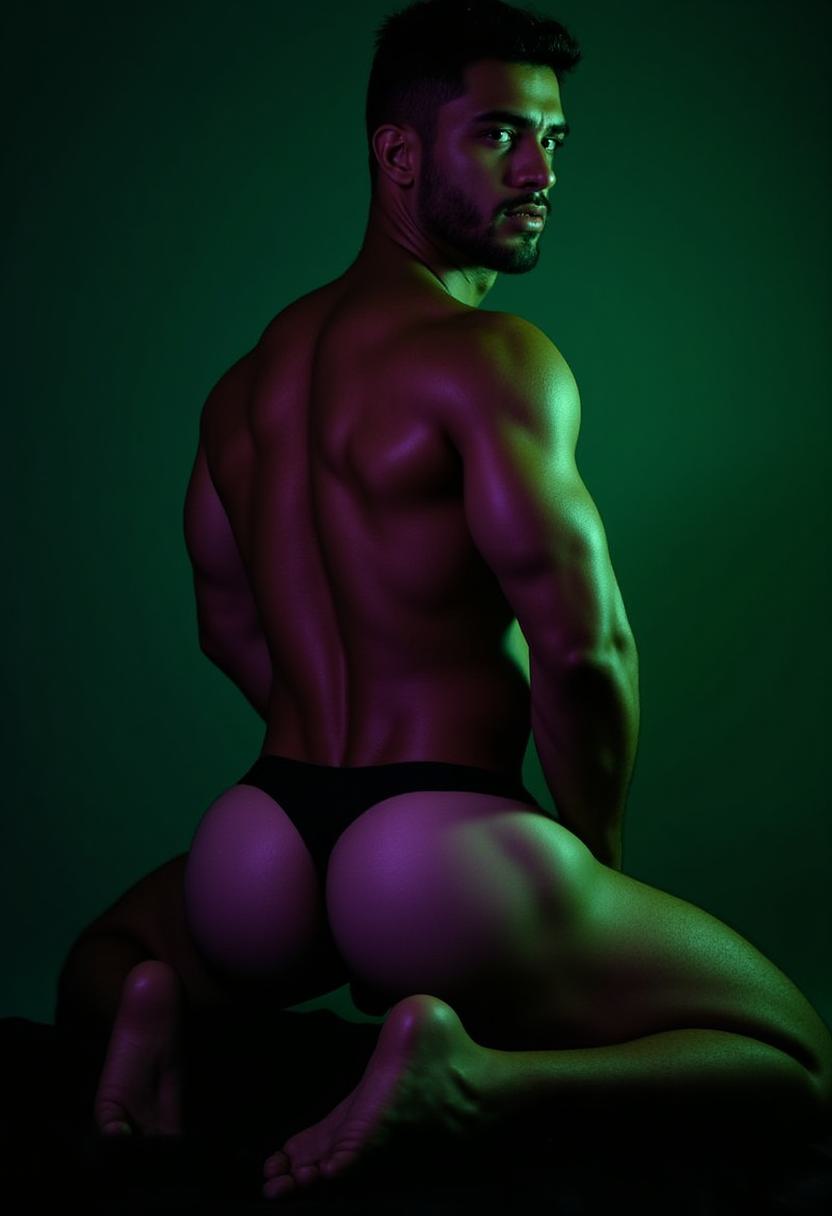
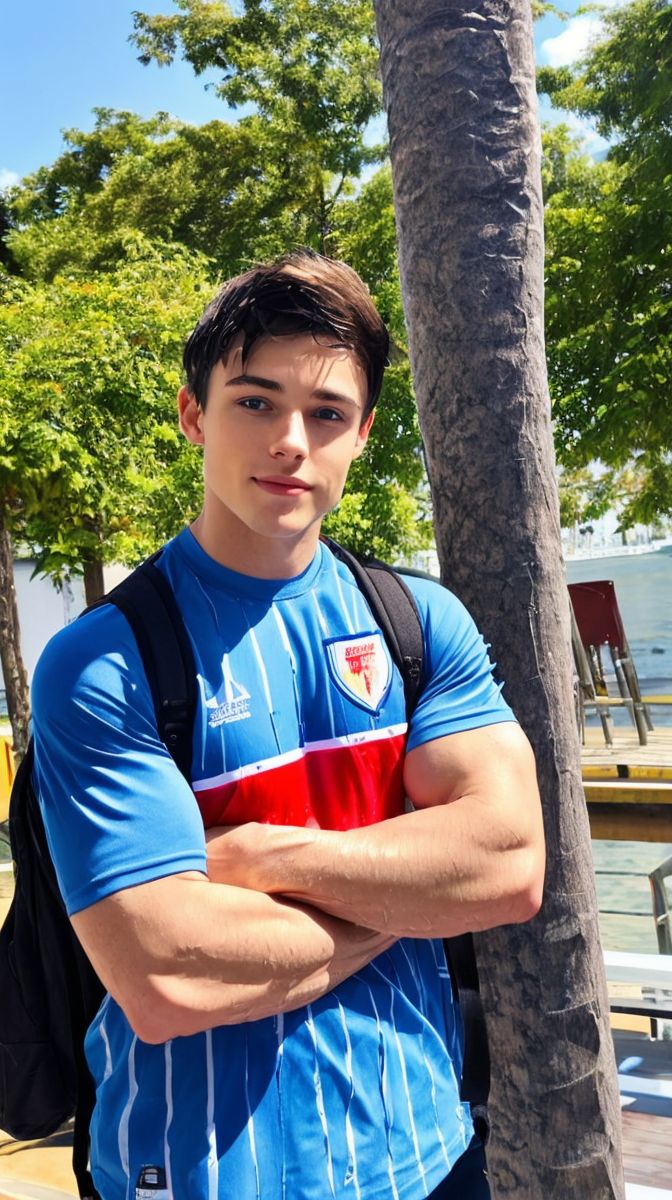
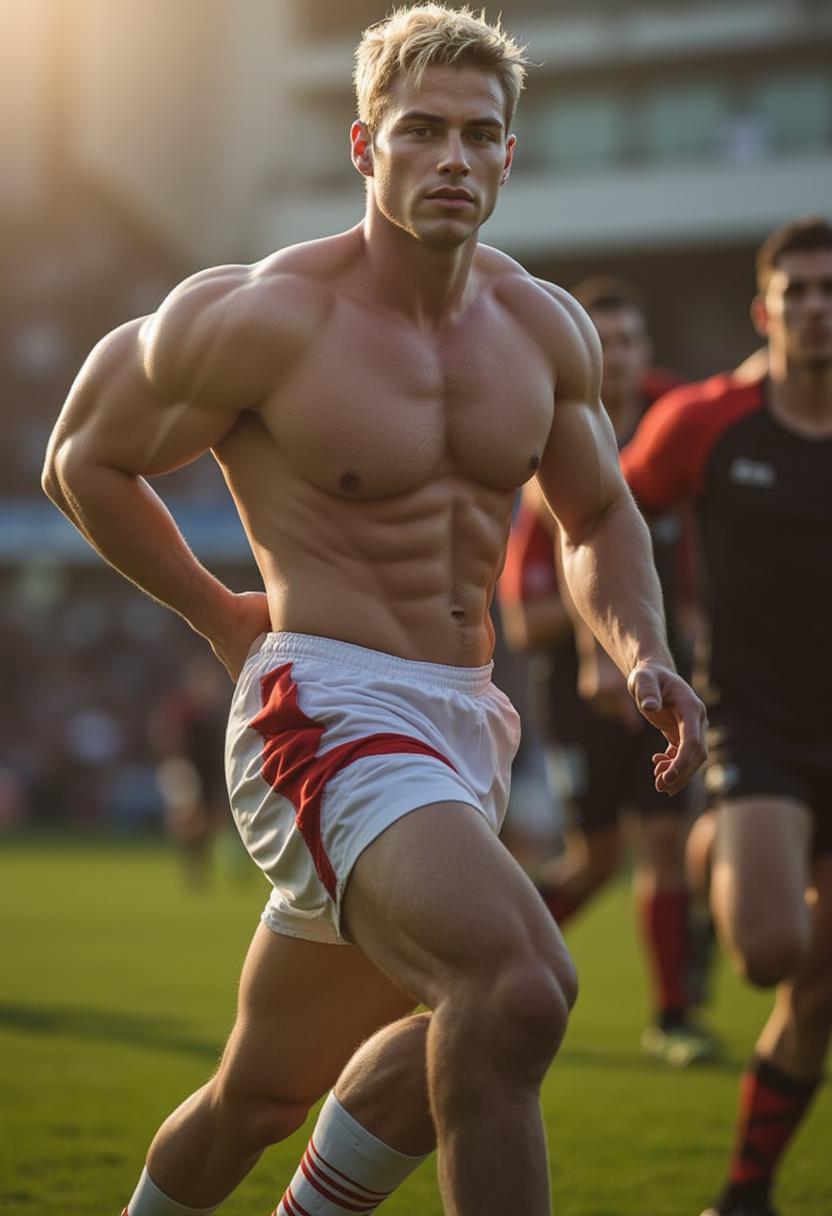
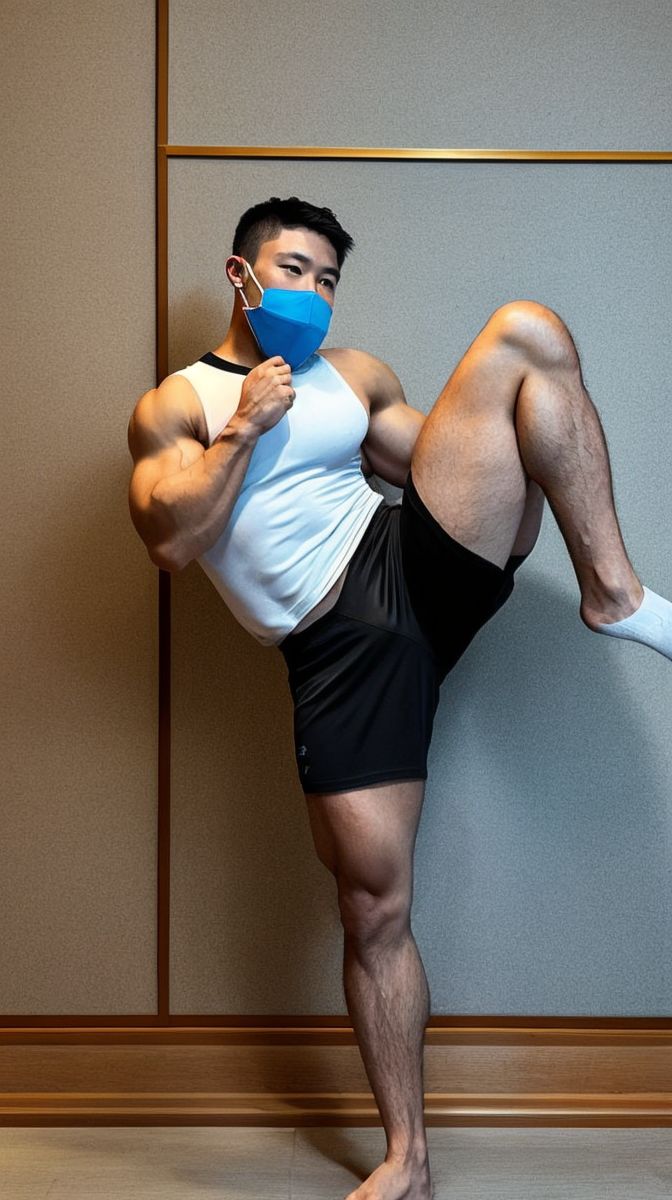
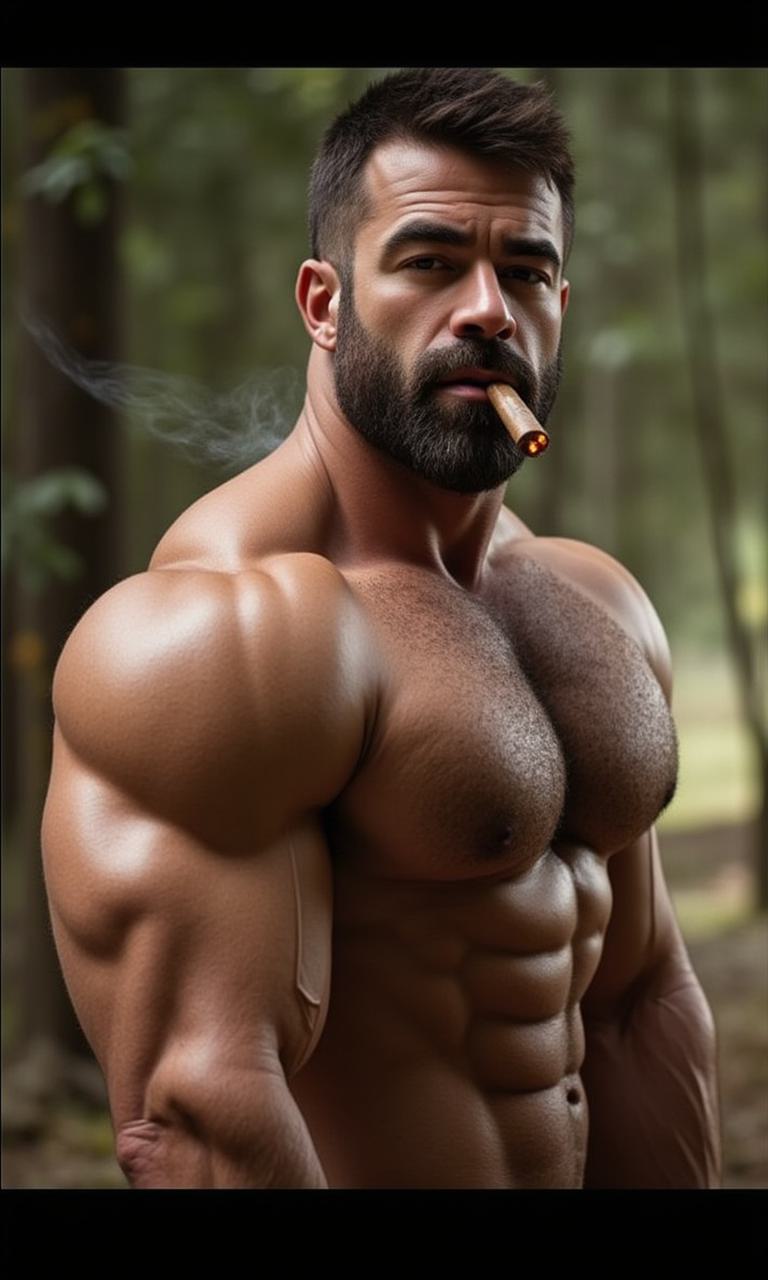
Who is in the shot, his body and face, outfit, setting, lighting, and framing. Portrait stills produce vertical clips; landscape stills produce widescreen.
NSFW image to video · up to 1080p
One still becomes a moving scene. Choose an image of your AI boyfriend, tell the model what happens next, and it animates that exact frame — face, body, and lighting intact.
Frame zero is your image
Image-to-video does not reinterpret your picture. The source still becomes the first frame, and the motion model continues from it — which is why the result keeps the same man, pose, and light you chose.
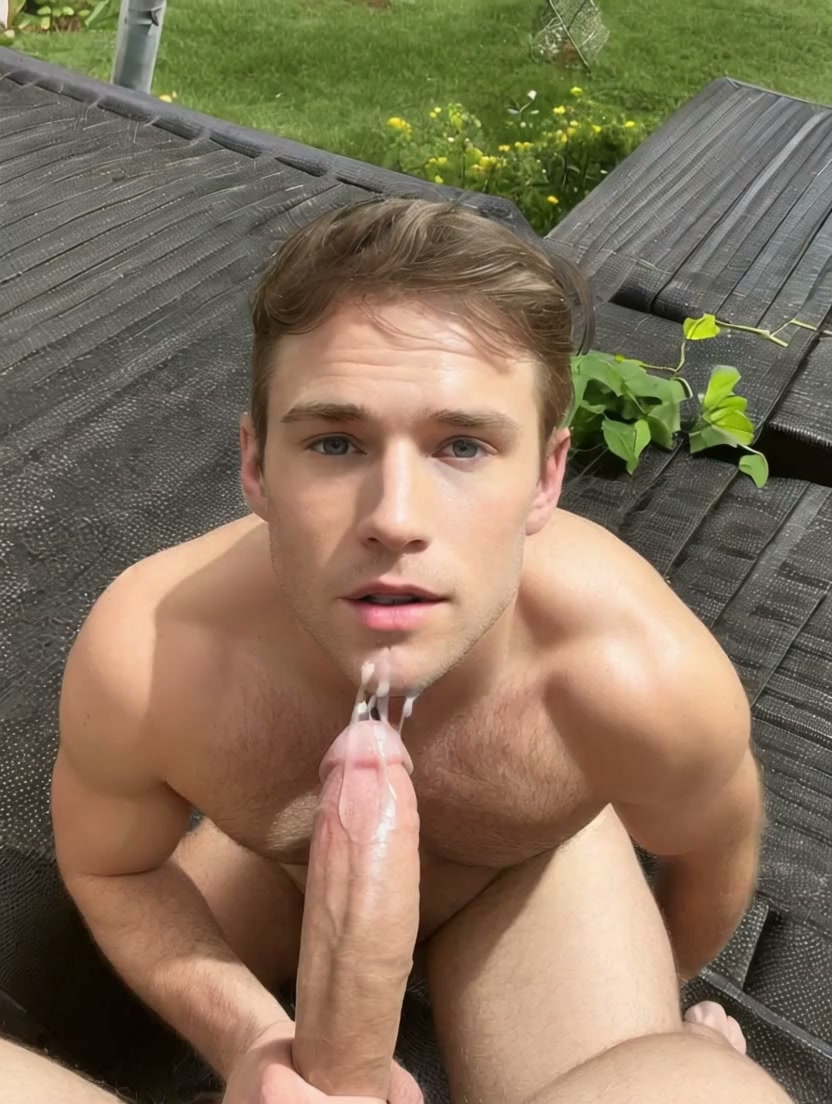
Example prompt“Slow push-in, he looks up and exhales, warm lamp glow”
Reel 01
Image to video AI is a generative model that takes one still image plus a short motion description and predicts the frames that follow. Instead of building a person from text, it inherits everything visual from the image and only has to solve movement — so identity, anatomy, and style stay far more stable than text-to-video.
Who is in the shot, his body and face, outfit, setting, lighting, and framing. Portrait stills produce vertical clips; landscape stills produce widescreen.
Subject motion, camera movement, pacing, and mood. One clear action per clip beats a paragraph of instructions.
Clip length, resolution, and extras. MB Motion V4 adds action templates and 1080p; MB Motion V2 adds generated audio.
Reel 02
From a finished still to a finished clip without leaving the generator.
Pick from My Gallery or By Character. Clean composition and a visible face give the motion model the most to work with.
Write the motion in one or two sentences, or choose an MB Motion V4 action template and watch its sample clip first.
Choose 5–15 seconds and up to 1080p. The credit cost updates live as you change engine, length, and quality.
The clip renders in the background and lands in your library. Reopen any result to reuse its image and settings for another take.
Reel 03
Both engines animate the same source image. The difference is how you direct them and what they can output.
Template-driven cinematic motion at full HD.
Best when you want a proven move: pick an action template with a preview clip, or write the motion yourself.
Flexible clip lengths with generated audio.
Best when sound matters: toggle audio on and the clip is generated with a matching soundtrack.
Reel 04
Anything you make on MyDreamBoy can be the first frame.
Every image in My Gallery is one tap away from becoming a clip, with its character attached.
Browse By Character to animate any image of a specific AI boyfriend and keep him consistent across clips.
Animate a character’s picture from the chat info panel and carry the scene you were roleplaying into motion.
Reuse the image, prompt, engine, and settings from any earlier video to iterate instead of starting over.
Reel 05
Think like a director giving one note. Name the action, then the camera, then the mood.
“He blinks, tilts his head slightly, and smiles at the camera”
“Slow orbit to the left, background softly out of focus”
“Sunlight drifts across his chest as curtains move in the breeze”
“He pulls his shirt over his head and tosses it aside”
“He rises out of the pool, water streaming off his shoulders”
“Extreme close-up, he bites his lip, eyes locked on the lens”
Reel 06
Public clips from the community. Every one of them started as a single image.
Reel 07
Both make clips. Only one keeps your character.
Inherited from the source still, so the same man appears every time.
Re-rolled from text on every generation.
Describe motion only. The look is already solved by the image.
Describe look, scene, style, and motion in one long prompt.
You see the first frame before spending credits.
You see nothing until the render finishes.
Chain stills of one character into a consistent set of clips.
Each clip stands alone with a new cast.
Reel 08
Image-to-video is powerful, so the source matters. MyDreamBoy limits it to content made on the platform.
Source stills come from your MyDreamBoy gallery or from AI characters — not from device photos of real people.
Deepfakes, “nudify” use, and real-person likeness are prohibited and moderated.
Finished clips are saved privately to your library until you decide to post one.
The product is strictly 18+ and backed by content moderation and removal workflows.
Most “photo to video” tools stop at safe-for-work content and know nothing about your character. MyDreamBoy keeps the whole chain in one place: design a man in the character generator, create stills with the AI image generator, restyle them with the AI anime generator, then animate the frame you like best.
For engine specs, pricing logic, and audio, see the AI video generator overview. For adult gay scenes built around consistent male characters, see the gay AI video generator.
Reel 09
The rest of the AI video workflow, one guide at a time.
Reel 10
How the still, the prompt, and the engine work together.
The model takes your still as the first frame and generates the following frames from your motion prompt or action template. Because the look comes from the image, the character stays consistent while only movement is synthesized.
Yes. MyDreamBoy is an adult platform, and the image-to-video generator supports NSFW stills of AI characters created on the platform, within the content moderation policy.
Any image in My Gallery, or any image of an AI character via the By Character tab. You can also jump into the video generator from a post, your library, or a character’s chat info panel with the image pre-selected.
No. The video generator only accepts images from MyDreamBoy galleries and characters. Animating photos of real people is prohibited.
Yes. The source still is frame zero of the clip, so face, body, outfit, and lighting carry over directly. Clear, well-lit stills with a visible face give the most stable results.
The clip follows the framing of the source still. Portrait images become vertical clips and landscape images become widescreen clips.
Cost is calculated per second and depends on engine and resolution; MB Motion V2 audio doubles it. The generator shows the exact credit cost before you confirm. Video generation requires Premium.
Pick the frame, give one note of direction, and watch it move.
Animate an image