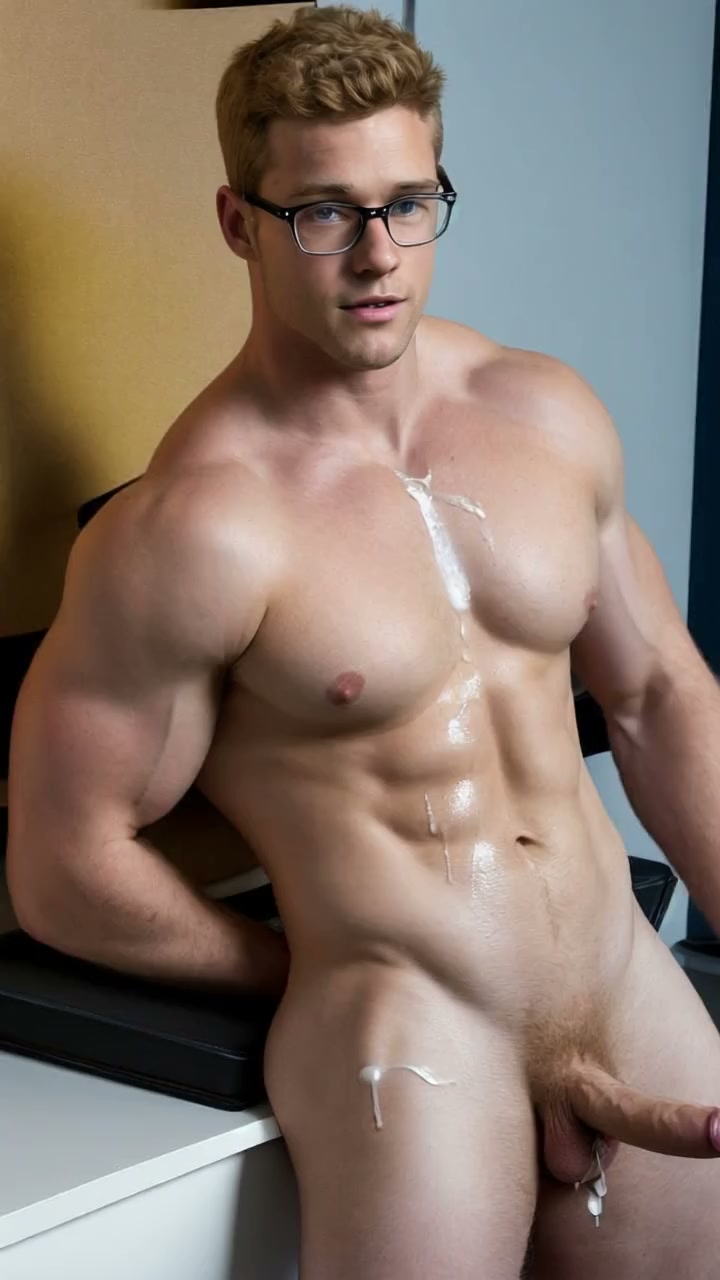
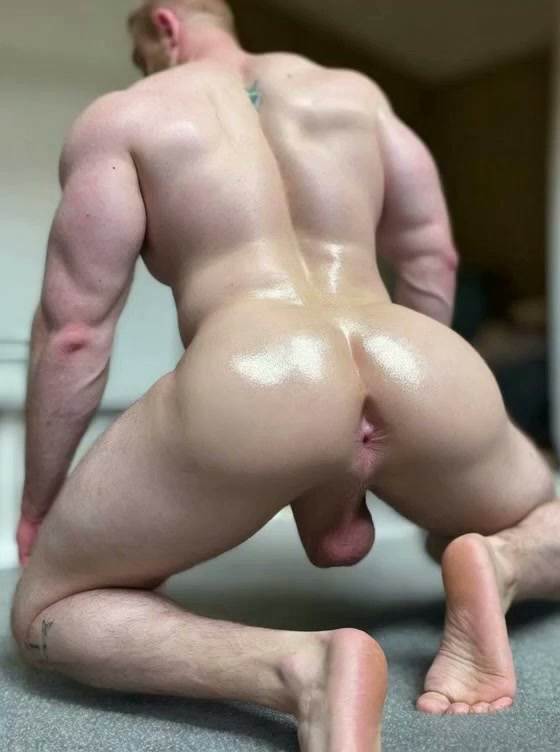
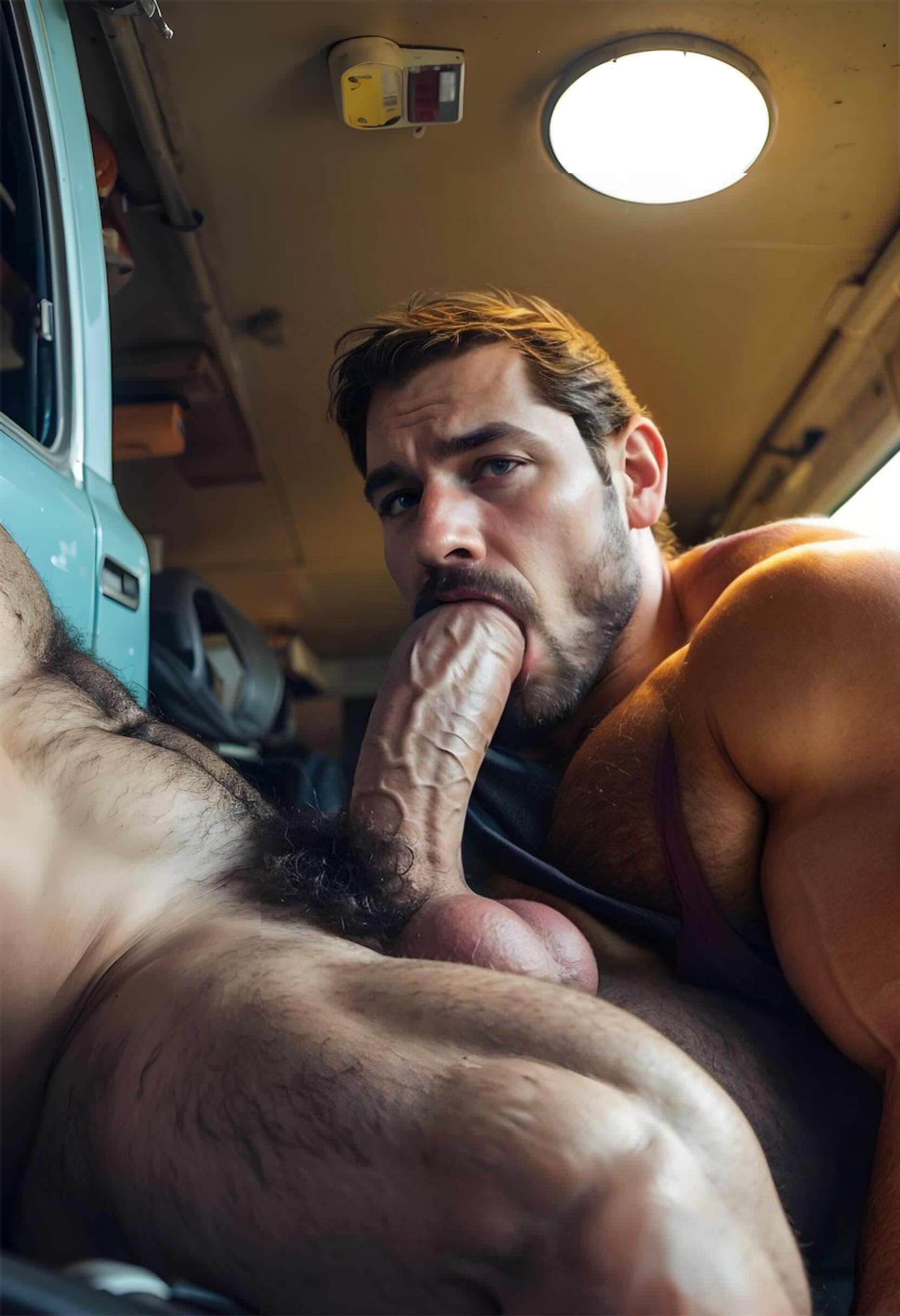
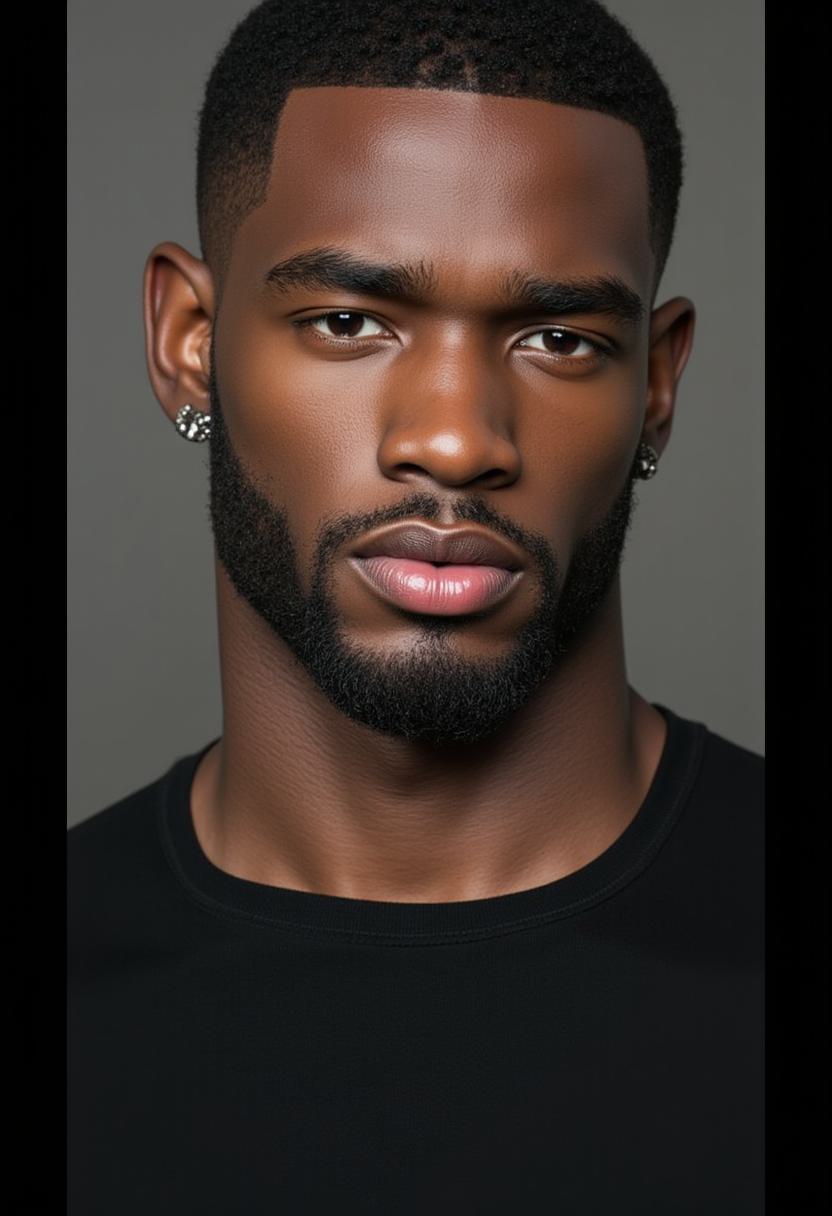
How it differs from text-to-video
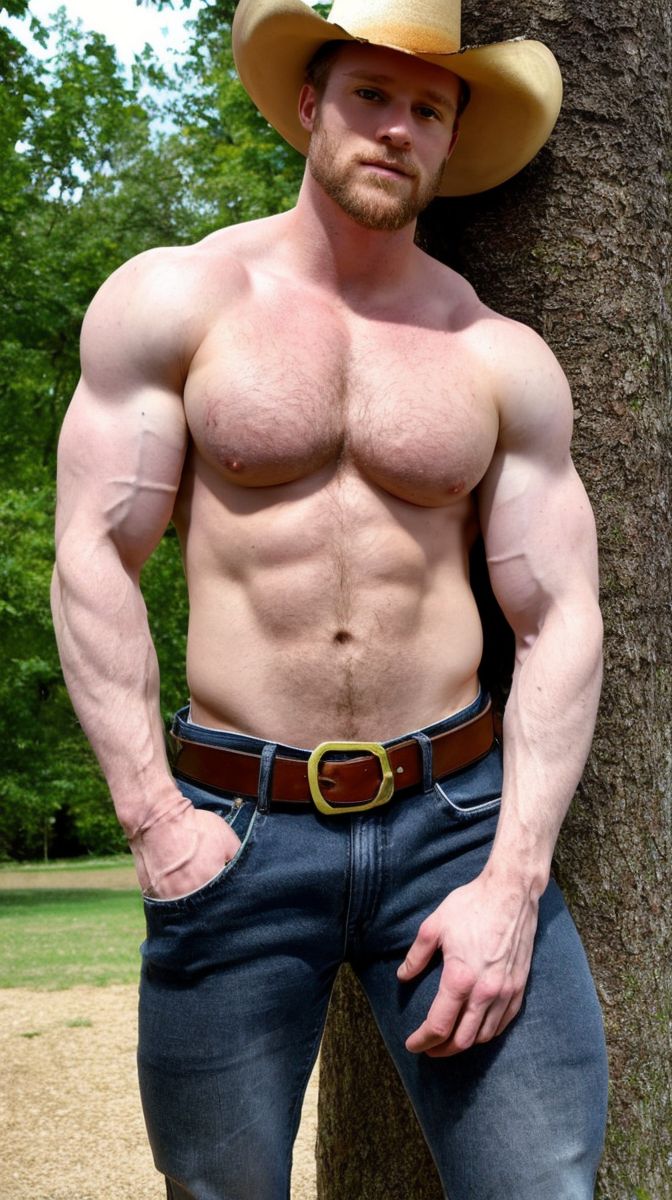
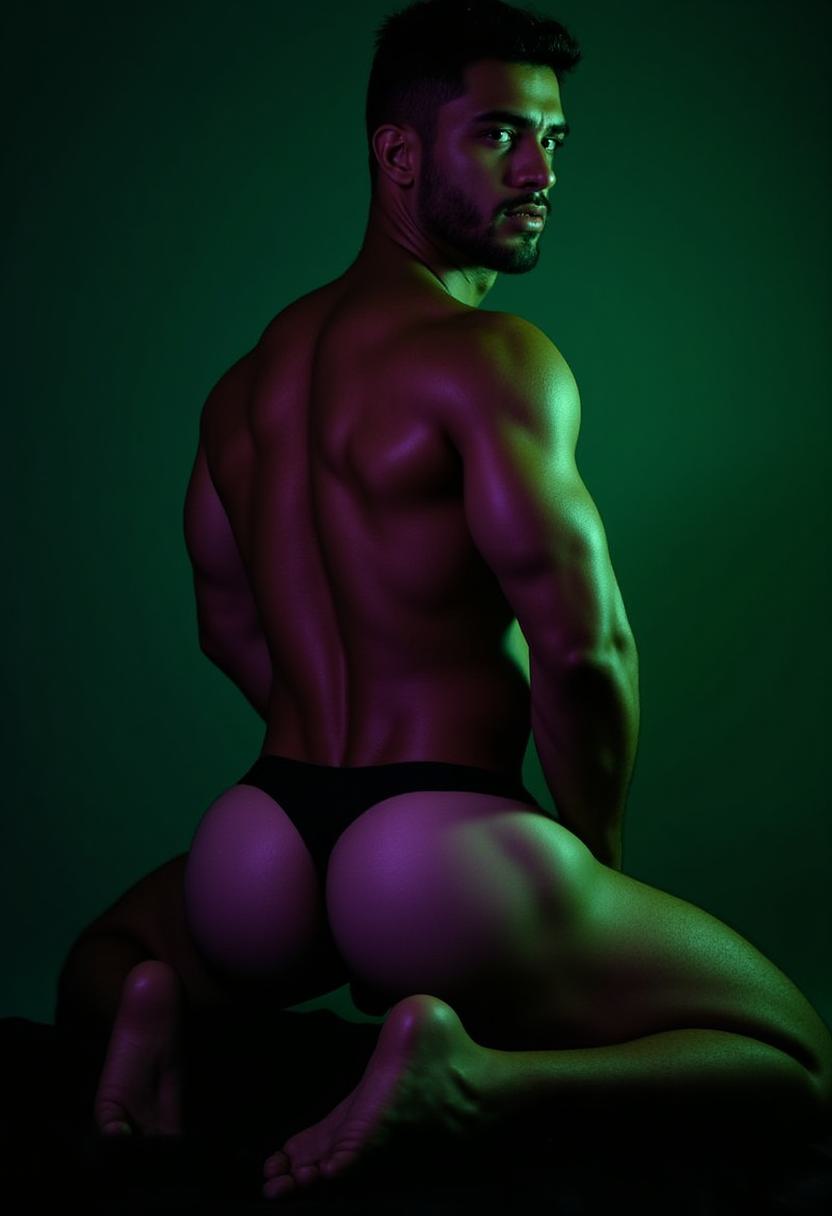
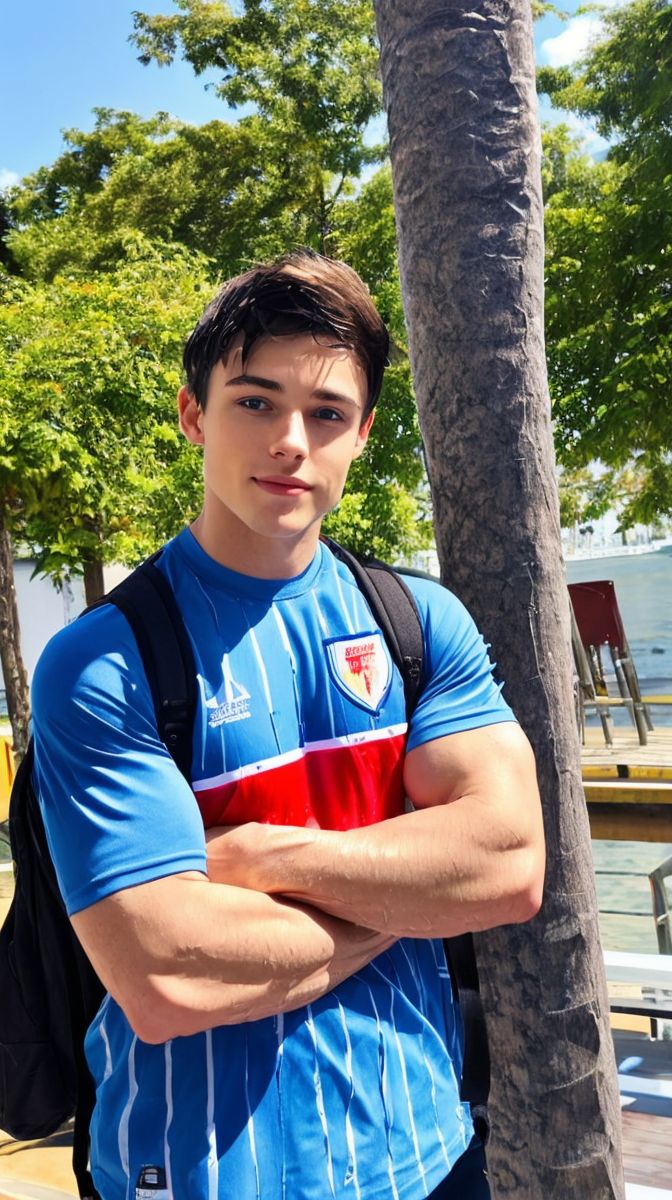
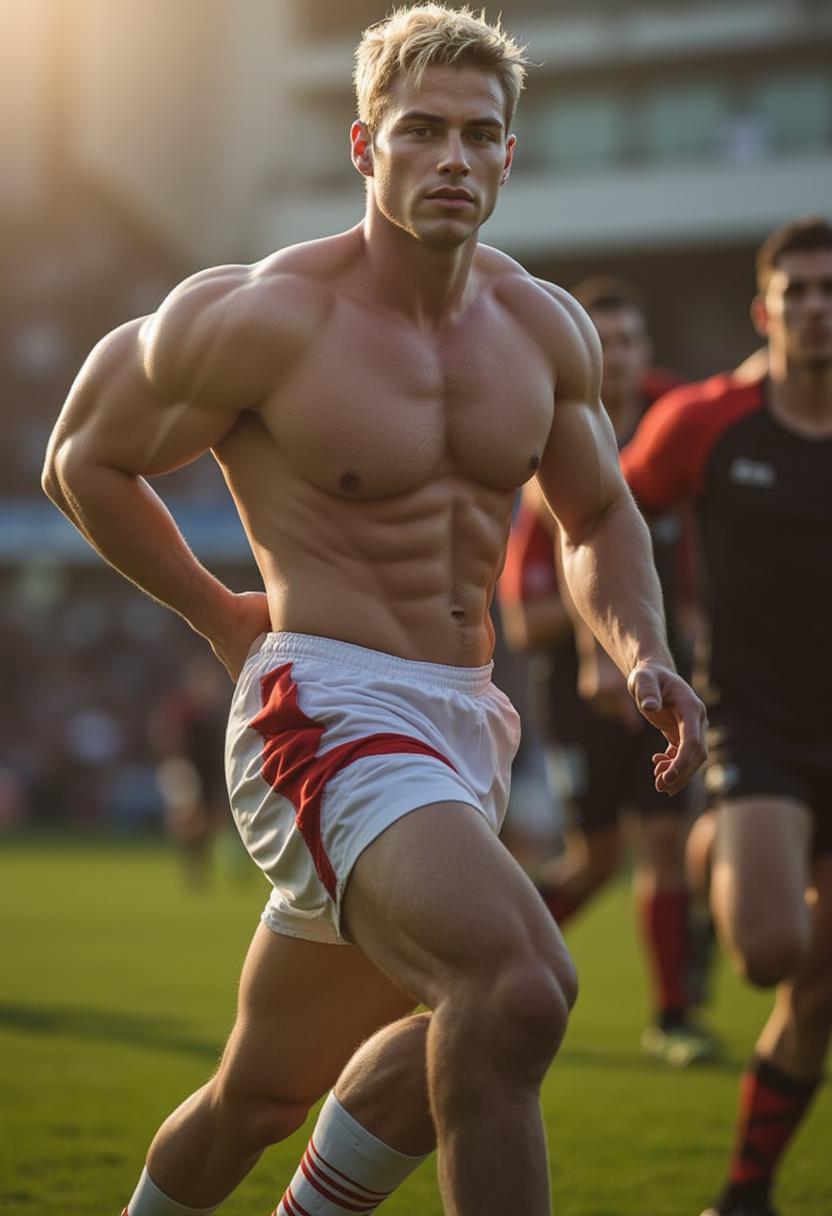
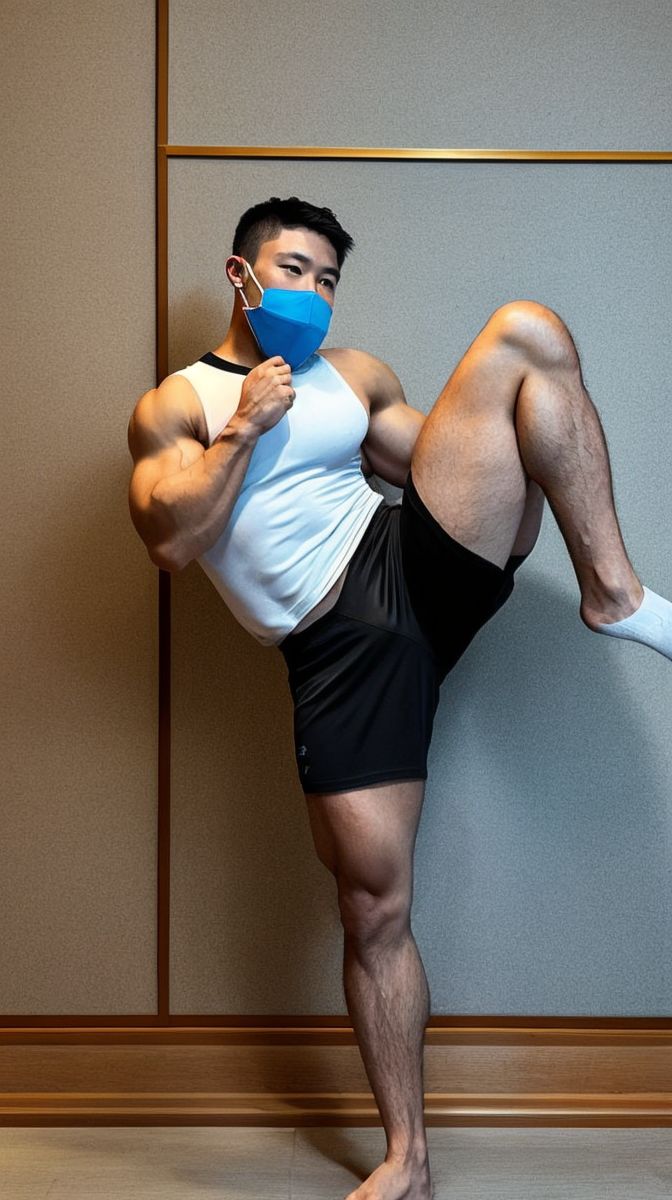
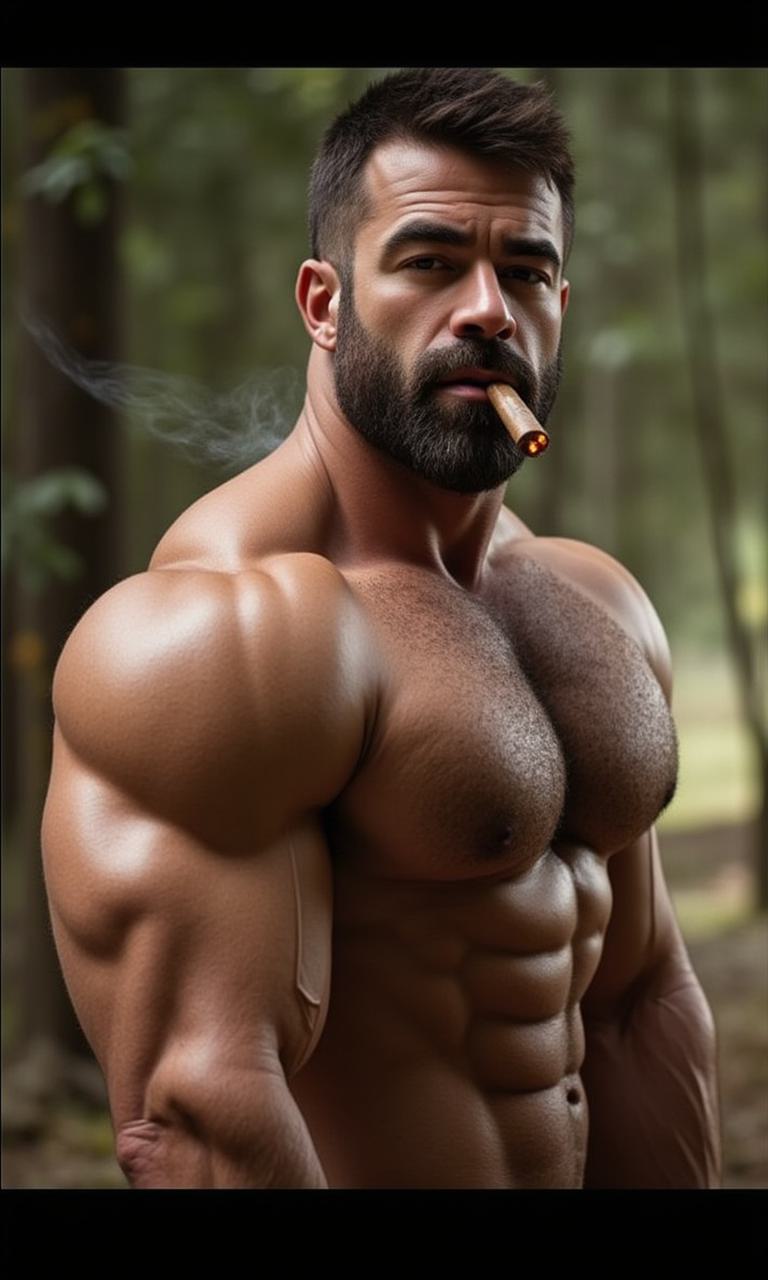
Text-to-video invents a new person on every run. Image-to-video locks the look first, which is why the man in your clip matches the character you chat with and generate images of.
NSFW AI video · MB Motion V4
Pick a still of your AI boyfriend, describe the motion, and get back an adult AI video — 5 to 15 seconds, up to 1080p, with optional audio. Same man, now moving.
One still in, one clip out
MyDreamBoy is an image-to-video generator: the first frame of the clip is the exact image you picked, so face, body, and styling stay on-model. You only direct what happens next.
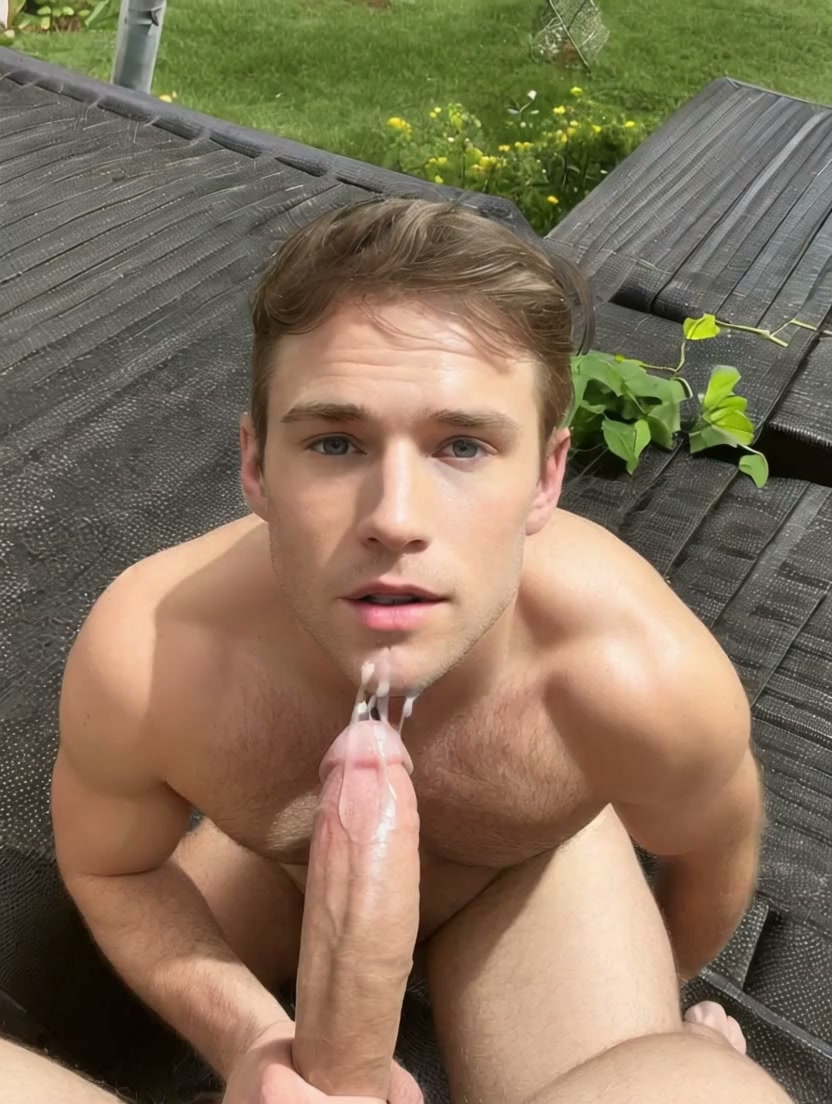
Example prompt“He turns toward the camera, slow smile, soft window light”
Reel 01
An NSFW AI video generator is a tool that produces short adult video clips with a generative motion model instead of a camera. On MyDreamBoy it works image-first: you choose a still of a male AI character, add a motion prompt or an action template, and the model animates that exact frame into a 5–15 second clip.
Text-to-video invents a new person on every run. Image-to-video locks the look first, which is why the man in your clip matches the character you chat with and generate images of.
Adults who want moving scenes of a specific male AI companion — not random stock output. It is strongest when you already have a character or a favorite generated image.
Engine, clip length, resolution, audio on MB Motion V2, and either a free-form motion prompt or a previewable action template on MB Motion V4.
Reel 02
The generator is one screen. There is no timeline to learn and nothing to install.
Open the generator and pick an image from My Gallery, or browse By Character to use any image of a specific AI boyfriend.
MB Motion V4 for action templates and 1080p, or MB Motion V2 for flexible lengths and generated audio.
Write what should happen — movement, camera, mood — or select an action template and preview its sample clip first.
Set length and resolution, check the credit cost, and generate. The finished clip lands in your library next to your images.
Reel 03
Switch engines from the version picker. Each one exposes only the settings it actually supports, so you never pay for an impossible combination.
Template-driven cinematic motion at full HD.
Best when you want a proven move: pick an action template with a preview clip, or write the motion yourself.
Flexible clip lengths with generated audio.
Best when sound matters: toggle audio on and the clip is generated with a matching soundtrack.
Reel 04
Short clips work best when they extend something you already made.
Animate portraits of the same character you chat with so he finally moves, breathes, and looks back at you.
Send any image from the image generator or a post straight into the video generator with its prompt pre-filled.
Use MB Motion V4 action templates when you want a specific, repeatable move without prompt trial and error.
Turn on generated audio in MB Motion V2 for scenes where ambience and voice matter as much as motion.
Reel 05
A good motion prompt names one subject action, one camera move, and one mood. Keep it short — the still already carries the look.
“Slow push-in on his face, shallow depth of field, soft window light”
“He turns toward the camera, runs a hand through his hair, half smile”
“Rain on the window behind him, warm lamp glow, he exhales and looks up”
“He stretches after a workout, chest rising with each breath, gym mirrors behind”
“Steam fills the shower, water runs down his shoulders, he glances back”
“Subtle idle motion — breathing, blinking, a slight head tilt”
Reel 06
Public clips made by MyDreamBoy creators. Open one to see the character behind it, then make your own version.
Reel 07
Mainstream video models block adult prompts, and most adult tools forget who your character is between runs.
Built for consenting-adult NSFW scenes with clear moderation rules.
Mainstream tools refuse NSFW prompts or silently soften the output.
The clip starts from your character’s image, so he stays on-model.
Text-to-video produces a different face and body on every run.
Characters, categories, and templates are built around men.
Catalogs and presets are overwhelmingly built around female subjects.
Chat, images, anime restyles, and video share one character.
Single-purpose output with no companion or story around it.
Reel 08
Adult AI video needs clearer rules than any other format. These are the ones that matter before you generate.
Generated clips go to your own library. Nothing is public unless you choose to post it.
Source images come from MyDreamBoy galleries and characters, not from photos of real people.
Deepfakes, real-person likeness, and any content involving minors are prohibited and moderated.
MyDreamBoy is an 18+ product with content moderation and content removal workflows.
Whether you searched for an AI porn video generator, an NSFW AI video generator, or an uncensored AI video maker, the goal is the same: a moving scene that matches what is in your head. MyDreamBoy gets there by starting from the character. Build him once in the AI boyfriend generator, generate stills with the AI image generator, then animate the best frame here.
If you want the mechanics of turning a still into motion, read the image to video AI guide. If you are here specifically for adult gay scenes, the gay AI video generator page covers body types, categories, and character consistency for male companions.
Reel 09
Each guide goes deeper on one part of the AI video workflow.
Reel 10
Straight answers about engines, limits, pricing, and privacy.
It is an image-to-video generator for adult content. You pick a still image of an AI character, describe the motion or choose an action template, and the model animates that frame into a 5–15 second clip at up to 1080p.
Video generation is a Premium feature and each clip costs credits based on engine, resolution, and length. You can start free with character creation, chat, and image generation using free daily credits, then upgrade when you want video.
MB Motion V4 generates 5, 10, or 15 second clips. MB Motion V2 generates 5, 8, 10, or 12 second clips.
MB Motion V4 outputs 720p or 1080p. MB Motion V2 outputs 480p or 720p. The clip keeps the framing of your source still, so portrait images produce vertical video.
Yes. MB Motion V2 has a generated-audio option that adds a soundtrack matched to the clip. Enabling audio doubles the credit cost of that clip.
No. Source images come from your MyDreamBoy gallery or from AI characters on the platform. Deepfakes and real-person likeness are prohibited by the content moderation policy.
Yes. Generated clips are saved to your own library and stay private unless you choose to publish them as a post.
Action templates are ready-made motion presets in MB Motion V4. Each template shows a sample clip, so you can preview the move before spending credits, and you can still use a free-form prompt instead.
Start from a still you already love, direct the motion, and keep the clip private in your library.
Open the video generator