
Bring Your AI Boyfriend to Life: Introducing AI Image-to-Video on MyDreamBoy
Experience the magic of seeing your AI boyfriend move. Learn how MyDreamBoy’s new AI Image-to-Video feature transforms static images into breathtaking animations.
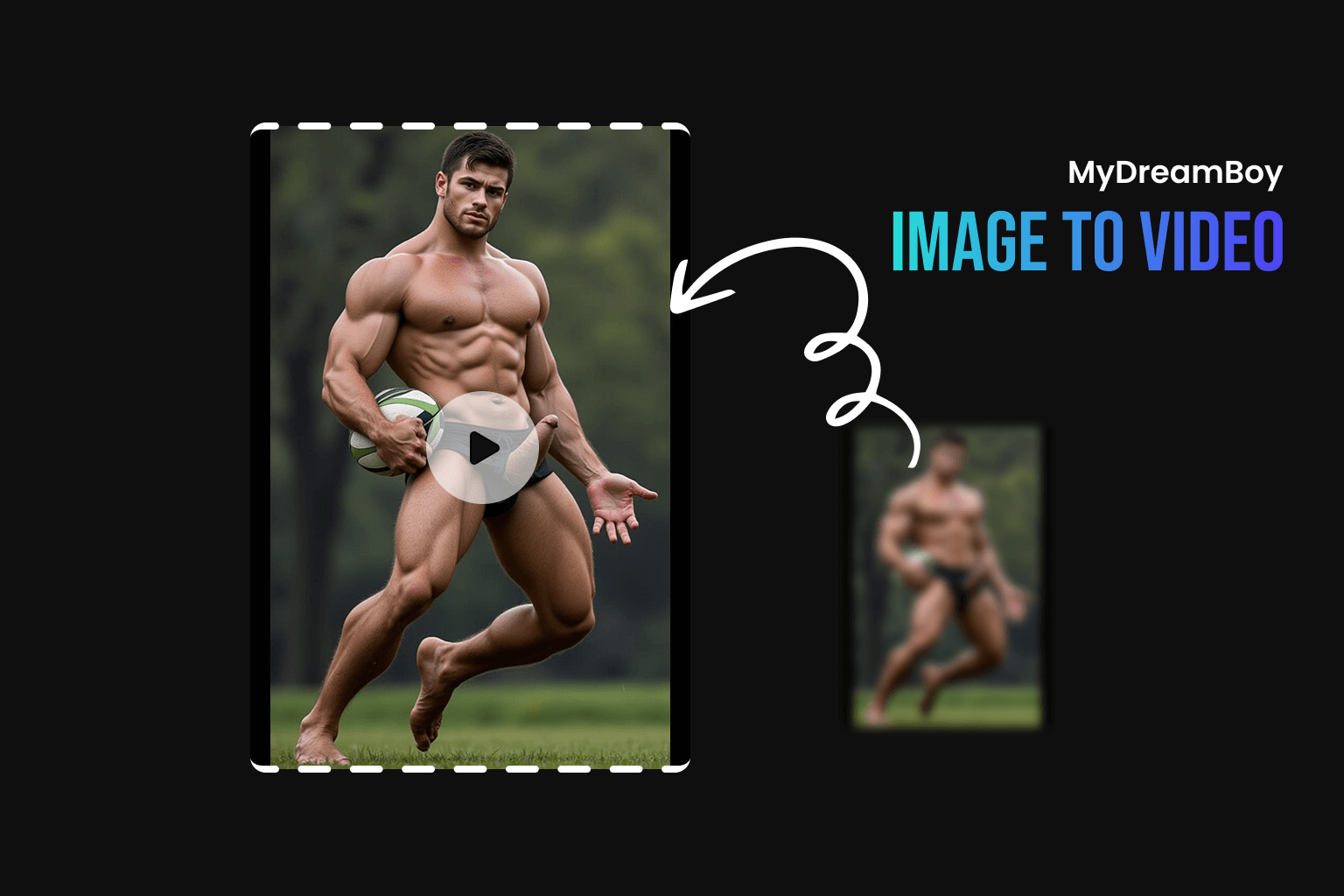
Bring Your AI Boyfriend to Life: Introducing AI Image-to-Video on MyDreamBoy
Have you ever looked at a stunning image of your AI boyfriend and wished he could blink, smile, or turn his head? Today, that dream becomes a reality. We are thrilled to announce the launch of our most requested feature: AI Image-to-Video Generation.
At MyDreamBoy, we’re constantly pushing the boundaries of virtual companionship. This new tool allows you to breathe life into any character, turning a single static frame into a dynamic, cinematic video.
What is AI Image-to-Video?
AI Image-to-Video is a cutting-edge technology that uses advanced neural networks to predict motion and generate realistic video frames based on a single source image. Unlike simple "Ken Burns" effects or basic zooms, our engine understands the geometry and personality of your characters, allowing for natural movement like:
- Subtle facial expressions (smiles, winks, thoughtful gazes)
- Natural hair and clothing motion
- Dynamic cinematic camera movements
- Atmospheric effects like wind or soft lighting shifts
How to Animate Your DreamBoy: A Step-by-Step Guide
Bringing your AI boyfriend to life is easier than ever. Follow these simple steps to create your first video:
1. Select Your First Frame
Go to the Video Generation Page and select an image of your AI boyfriend from your gallery. This image will serve as the starting point (the first frame) of your video.
2. Write Your Motion Prompt
The Prompt is where the magic happens. Describe the movement you want to see. Example: "He looks at the camera and smiles gently as the wind blows through his hair."
3. Choose Your Resolution
Select your desired output quality. Our 720p resolution with Super-Resolution (SR) ensures that your video looks crisp and professional on any device.
4. Generate and Enjoy
Click "Generate Video" and watch as our AI processes your request. In just a few moments, your static image will be transformed into a high-quality video clip.
Tips for the Best AI Video Results
To get the most out of the AI Image-to-Video tool, keep these tips in mind:
- High-Quality Source Images: Start with a clear, high-resolution image for the best animation results.
- Specific Motion Prompts: Instead of just saying "move," try "tilting head," "walking towards camera," or "laughing."
- Lighting and Atmosphere: Use keywords like "cinematic lighting," "golden hour," or "dramatic shadows" in your prompt to enhance the mood.
Why Video Matters for Virtual Companionship
Seeing a character move creates a profound emotional connection. It transforms an AI from a "picture on a screen" into a "living presence." Whether you're creating a short clip for social media or simply want to feel closer to your DreamBoy, video adds a layer of realism that words and images alone cannot reach.
Frequently Asked Questions (FAQ)
Is AI image-to-video free?
Generation costs a small number of credits to cover the high computational power required for AI video processing. Check our pricing page for details.
What are the best AI video generators for characters?
MyDreamBoy specializes in character-focused AI animation, making it one of the best tools for those looking to animate virtual boyfriends and companions with high fidelity.
Can I share my AI videos?
Yes! Once generated, you can download your videos or share them directly from the MyDreamBoy platform.
Conclusion: The Future is Moving
The launch of AI Image-to-Video is just the beginning. We are committed to making MyDreamBoy the most immersive AI companion platform in the world.
👉 Ready to see him move?
Start Animating Now at MyDreamBoy.com 🎬✨
Keywords: AI Boyfriend, Image to Video AI, AI Video Generation, Virtual Companion, MyDreamBoy AI, AI Animation.